CropiPic: Your simple solution for video and image editing
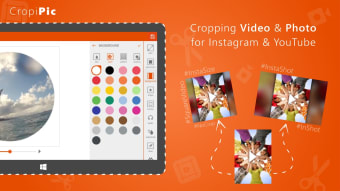
CropiPic, developed by Mixilab, is an intuitive editing app designed for photo and video enthusiasts. Whether you're looking to resize and blur images, apply effects, trim clips, or rotate and crop media, CropiPic provides essential tools to transform your visuals. With a user-friendly interface that emphasizes simplicity, the application allows users to quickly navigate through its features. It also supports adjusting aspect ratios for platforms like Instagram, Facebook, YouTube, and TikTok, helping users create content that fits different social media formats.
Top Recommended Alternative

Designed for simplicity
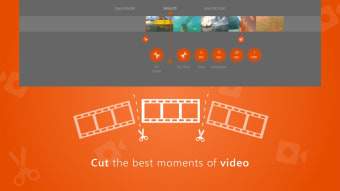
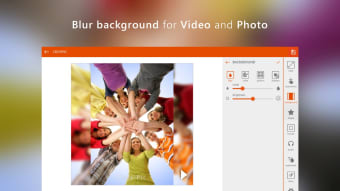
CropiPic offers an intuitive interface that makes photo and video editing simple. Users can crop and rotate, apply blur to backgrounds, trim MP4 videos, zoom in or out, and flip media with ease. The application also includes features like applying video effects, cropping with shapes, and adding custom watermarks, making it practical for quick editing needs. However, it lacks advanced editing features such as detailed color correction or professional-grade effects, so it is best suited for basic adjustments rather than complex projects.
Creative features made accessible
Beyond basic editing, CropiPic allows you to adjust video position, resize, scale, and fill frames without losing quality. It also supports mixing audio and video, letting users combine their footage with sound. With its ability to adapt vertical videos for YouTube or post full photos and videos to Instagram and TikTok without cropping, CropiPic helps users prepare content for multiple platforms efficiently.
Focused and effective for casual users
In conclusion, CropiPic is best suited for beginners and casual users who need a straightforward way to perform essential edits. While it covers trimming, cropping, resizing, blur effects, aspect ratio adjustments, and watermark customization, it does not include advanced editing functions like detailed color correction or professional-grade special effects. This makes it a reliable tool for quick social media-ready edits rather than complex production work.


























.png)